MAKIOS CLOUD SECURITY FOR EMAIL
Email Security Solutions
Advanced Email Security Solutions for Small and Medium-Sized Businesses
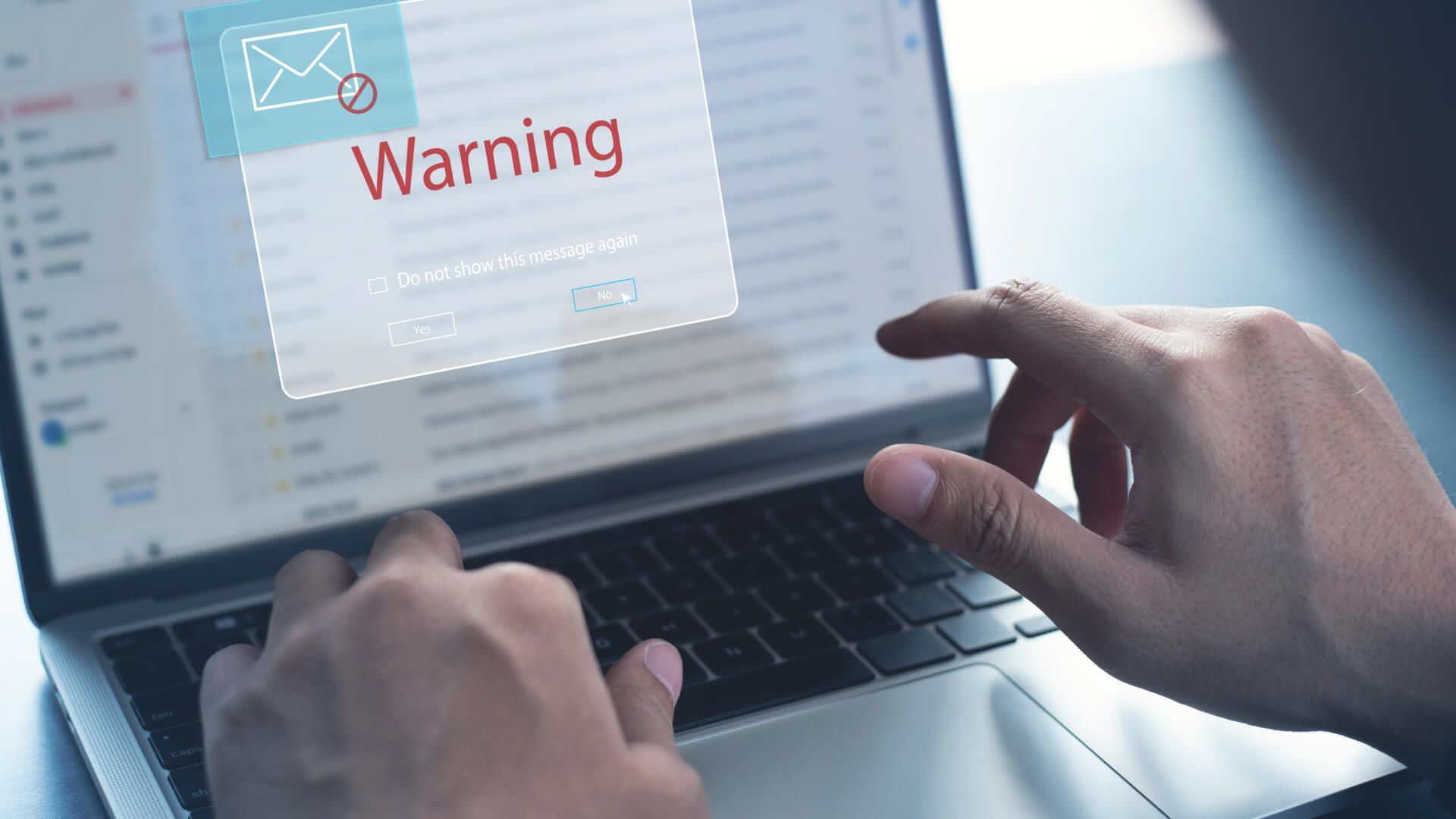
Secure emails with advanced solutions to protect sensitive information from malicious attacks.
Our solution instantly identifies and neutralizes threats, ensuring continuous protection for assets.
Stop Threats
Threat Defense
Compliance
Ensure compliance with industry standards and protect sensitive data using our streamlined solution.
Securing your email platforms, this tool ensures continuity and protection for all your accounts.
Seamless Integration
PLANS
Choose the Right Protection for Your Business
Business
$3/month*
Standard email security to protect your business from common threats and ensure smooth communication.
SKU: 25-MCS-EML-BUS
Professional
Top-tier email security with maximum protection, advanced features, and priority support for critical needs.
$6/month*
SKU: 25-MCS-EML-PRO
Popular choice offering strong email protection and advanced features for a balanced security and functionality.
$5/month*
MOST POPULAR
Advanced
SKU: 25-MCS-EML-ADV
* Pricing is based on a minimum three (3) year agreement with automatic payment enrollment.
Agreements automatically renew annually unless canceled in writing at least forty-five (45) days prior to renewal.
Pricing reflects licensing costs only. An active Makios Cloud Management Agreement (or equivalent service agreement) is required to provide labor coverage.
All pricing tiers are subject to a minimum of ten (10) user licenses.
| Feature | Business (Legacy) | Advanced (Legacy) | Business | Advanced | Professional |
|---|---|---|---|---|---|
| Anti-Spam/ Anti-Virus ⓘ Blocks spam emails and detects viruses...
|
✓ | ✓ | ✓ | ✓ | ✓ |
| Content Filtering ⓘ Blocks emails containing specific keywords, attachments, or content types based on company policies.
Example: A company blocks emails containing "confidential pricing" to prevent employees from leaking sensitive information |
✓ | ✓ | ✓ | ✓ | ✓ |
| Email Impersonation Safeguard ⓘ Detects emails that mimic executives, employees, or vendors to prevent fraudulent activity.
Example: An employee gets an email appearing to be from the CEO, asking them to transfer $50,000. The system flags it as suspicious due to a slight domain variation. |
✓ | ✓ | ✓ | ✓ | ✓ |
| URL Link Protection ⓘ Scans and rewrites email links to check for phishing attempts and malicious websites.
Example: A finance employee receives an email with a link to "update payroll details." The system detects it as a phishing site and warns the user. |
✓ | ✓ | ✓ | ✓ | ✓ |
| NEW
Predictive Link Defense ⓘ Uses AI and real-time analysis to block emerging phishing sites before they are reported.
Example: An employee gets an email with a new phishing link. Predictive Link Defense identifies it as risky and blocks access. |
✓ | ✓ | ✓ | ✓ | ✓ |
| Attachment Reputation Guard ⓘ Checks email attachments against a known database of malware signatures.
Example: An HR recruiter gets a résumé in a ZIP file. The system scans it and flags it as containing ransomware. |
✓ | ✓ | ✓ | ✓ | ✓ |
| Attachment Safety Sandbox ⓘ Opens and tests email attachments in an isolated environment to detect hidden malware.
Example: A finance employee gets an invoice in a Word doc with a hidden macro. The system detects it and blocks access. |
- | ✓ | - | ✓ | ✓ |
| Social Media Account Defense ⓘ Prevents phishing emails targeting social media logins for company accounts.
Example: A marketing employee gets an email to "verify" their Instagram account. The system detects it as phishing and blocks it. |
- | ✓ | - | ✓ | ✓ |
| NEW
Next-Level BEC Protection ⓘ Uses AI and behavioral analysis to detect sophisticated email fraud.
Example: A finance employee gets an email requesting a payment update from a supplier. The system detects an altered domain and blocks it. |
- | ✓ | - | ✓ | ✓ |
| NEW
Email Risk Banners ⓘ Identifies suspicious emails and adds banners with a brief explanation of the potential threat.
Example: A finance employee receives an email claiming to be from a vendor, and the system inserts a banner warning about a potential invoice scam. |
- | - | - | ✓ | ✓ |
| NEW
One-Click Email Management ⓘ Administrators and authorized users can retrieve emails from a user's Microsoft 365 mailbox that are flagged as malicious or potentially harmful.
Example: An IT administrator pulls an email from a user's mailbox, flagged for containing a harmful attachment. |
- | - | ✓ | ✓ | ✓ |
| External Content Filter ⓘ Examines messages from users to ensure that potentially harmful content is blocked before reaching external organizations.
Example: A sales employee sends an email with an attachment, and the system intercepts it, blocking a potential malware threat. |
- | - | ✓ | ✓ | ✓ |
| Sensitive Data Protection (DLP) ⓘ Identifies sensitive data and confidential information, preventing its accidental or unauthorized sharing via email outside the organization.
Example: A finance employee attempts to send a report, and the system detects confidential financial data, blocking the email from being sent. |
- | - | ✓ | ✓ | ✓ |
| Email Encryption ⓘ Email encryption automates the secure sending of messages, removing the need for users to manually encrypt emails.
Example: A marketing manager sends a client email, and the system encrypts it without any action required. |
- | - | - | ✓ | ✓ |
| Identity Provider (SSO / SAML / IDP) ⓘ Authenticates and verifies a user's identity, enabling single sign-on (SSO) or other authentication protocols like SAML, to grant access to multiple applications.
Example: Users can log in securely using single sign-on (SSO) via an Identity Provider, streamlining authentication across multiple applications. |
- | - | - | ✓ | ✓ |
| Emergency Mail Access ⓘ Allows employees to access emails for up to 30 days if the email server goes down.
Example: A company’s mail server crashes, but employees can still access the last 30 days of emails. |
30 Days | 30 Days | 30 Days | 30 Days | 30 Days |
| Email Spooling ⓘ Temporarily stores incoming emails for up to 30 days if the email server is down, ensuring messages aren’t lost.
Example: A company experiences an outage, and incoming emails are queued for delivery once the server is restored. |
30 Days | 30 Days | 30 Days | 30 Days | 30 Days |
| Exchange & 365 Archiving ⓘ Automatically stores all sent and received emails in a secure archive for compliance needs.
Example: A legal team retrieves old emails from a former employee for a business dispute. |
- | - | - | - | ✓ |
| Advanced Email Search ⓘ Provides powerful search functionality within archived emails for investigations.
Example: A manager searches for all emails containing "contract negotiation" from the past two years. |
- | - | - | - | ✓ |
| Data Import / Export ⓘ Enables bulk migration of emails for record-keeping or legal purposes.
Example: A company switches email providers and exports past emails to a new system. |
- | - | - | - | ✓ |
Why Makios Cloud Security for Email?
This is a paragraph. Writing in paragraphs lets visitors find what they are looking for quickly and easily.
This is a paragraph. Writing in paragraphs lets visitors find what they are looking for quickly and easily.
Designed to meet diverse business needs and budgets.
Customized Solutions
Ensure compliance with our advanced email archiving.
Enhanced Productivity
Trusted Security
Use AI-powered detection to secure your communications.
Ready to Boost Your Email Security?
Get in touch today to discover which package aligns best with your business requirements and begin your journey to more secure email with Makios Cloud Security for Email.